Part 1: What Is the Difference Between MP4 and 3GP?
3GP (3rd Generation Partnership Project) is a multimedia container format designed for mobile communication devices. It aims to minimize file size within limited bandwidth and storage space to accommodate the needs of early 2G/3G networks and mobile phones. MP4 (MPEG-4 Part 14) can store video, audio, subtitles, and metadata. It supports widely used codecs such as H.264/AVC, H.265/HEVC, and AV1. MP4 is currently one of the most broadly supported video container formats across computers, mobile devices, web browsers, and streaming platforms.
To show their differences more intuitively, please see the comparison below:
|
3GP |
MP4 |
| Video Quality |
Low resolution (such as 176x144, 320x240)
low bitrate
|
SD, HD, 4K, 8K and beyond |
| File Size |
Typically small |
Variable depending on quality and encoding |
| Common Video Codecs |
H.263, MPEG-4 Part 2, H.264/AVC
|
H.264/AVC, H.265/HEVC, AV1, MPEG-4 Part 2 |
| Common Audio Codecs |
AMR-NB/WB, AAC
|
AAC, MP3, Opus and others |
| Applications |
Legacy mobile video, MMS, low-bandwidth or older mobile devices
|
Almost all use cases (web video, photography, broadcasting, etc.) |
| Current Status |
Still supported, but mainly a legacy or specialized format
|
Widely used and broadly supported |
Part 2: How to Convert MP4 to 3GP for Free - MP4 to 3GP Converter on PC
Although converting high-definition MP4 to low-quality 3GP seems to be a "reverse operation" nowadays, using Any Video Converter to complete this task does have obvious advantages under certain circumstances:
1. Extreme Compression, Significantly Reducing File Size
The 3GP format was designed for extremely small file sizes. Any Video Converter efficiently compresses large MP4 videos into very small 3GP files, saving valuable storage space (on older phones or small-capacity memory cards) and greatly facilitating transfer via email or messaging services.
2. Better Device Compatibility
If you need to prepare videos for phones from more than ten years ago, old car players, or other specific devices that only support the 3GP format, Any Video Converter can ensure that the converted videos can be recognized and played on these devices, avoiding the trouble of unsupported formats.
 Check the supported file formats >>
3. Flexible Preset Parameter Adjustment
Any Video Converter still allows you to fine-tune parameters before conversion. You can select the appropriate video resolution (176x144 or 320x240), adjust the video bitrate and frame rate, and more. These settings allow you to balance video quality, file size, and compatibility based on your target device.
4. Feature-Rich Video Toolbox
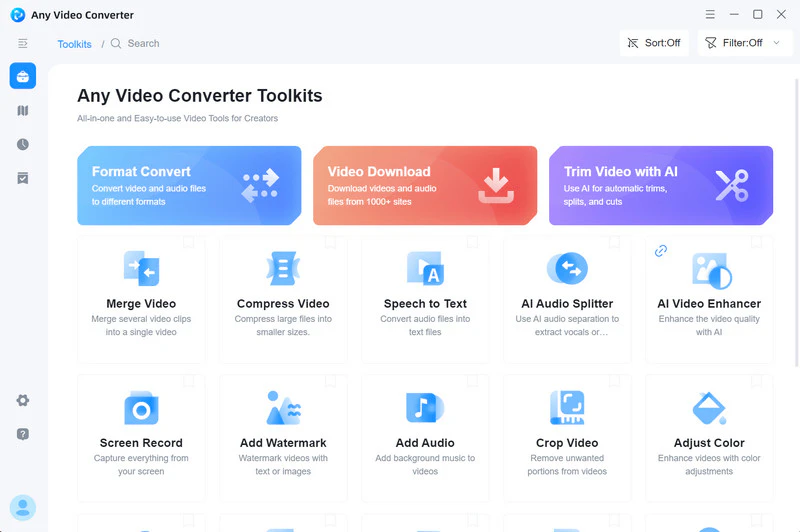
Any Video Converter is more than just a format conversion tool. It has developed into a feature-rich video toolbox: Video Download, Speech to Text, AI Trimmer, AI Audio Splitter, AI Video Quality Enhancer, etc. You can download HD, 4K and up to 8K videos directly from YouTube, Instagram, Vimeo, Facebook, BitChute, and more websites. You can also use AI to quickly and precisely trim video clips and quickly remove ads. Furthermore, you can even use AI to separate the vocal and instrumental parts of a song (or audio clip), generating two separate audio files for remixing or secondary creation.
Step-by-Step Guidance on How to Convert MP4 to 3GP
Step 1 Download and Install Free MP4 to 3GP Video Converter
Click the button above to download Any Video Converter from the official website. Once downloaded, you can install and launch it.
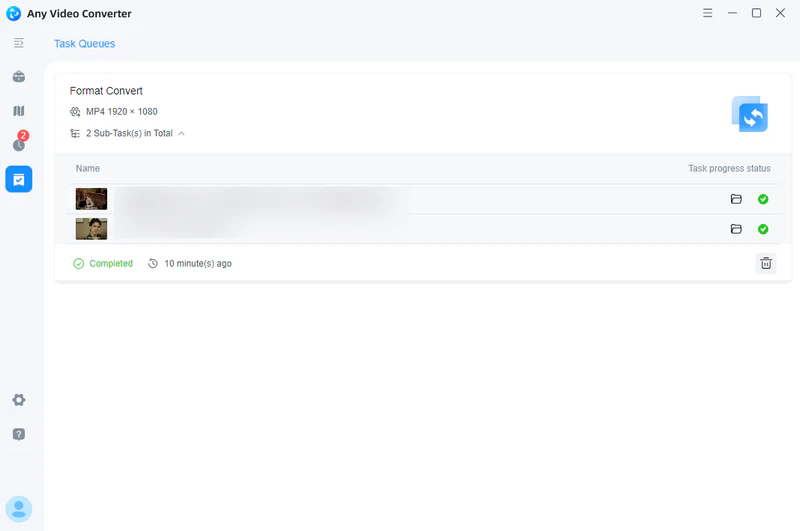
Step 2 Add MP4 Videos to Format Convert
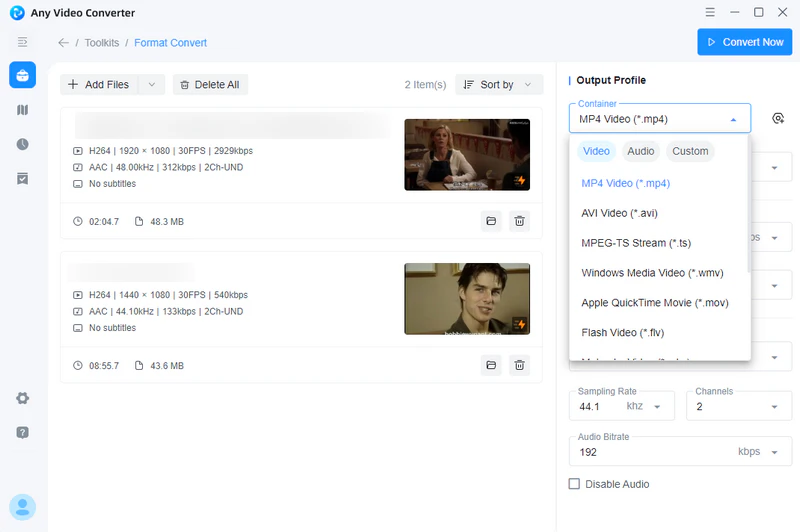
Simply click the "Format Convert" tool to import one or more MP4 video files. Batch video conversions are supported.
Step 3 Choose Output Video Format
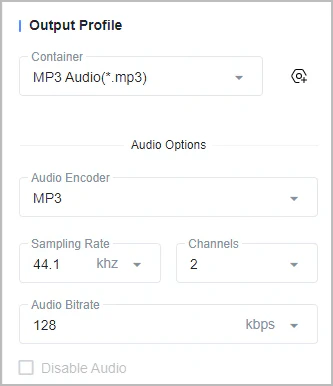
For better playback on portable devices, you can choose 3GP or other output formats and customize video and audio options, such as video/audio codec, video/audio bitrate, disable audio, etc.
Step 4 Start MP4 to 3GP Conversion
Click the "Convert Now" button to start converting MP4 to 3GP for free. Once the conversion is finished, you can click the " " folder icon and find the output 3GP video on your computer. Then enjoy the 3GP videos and have fun!
Part 3: 2026 MP4 to 3GP Converters Free Online
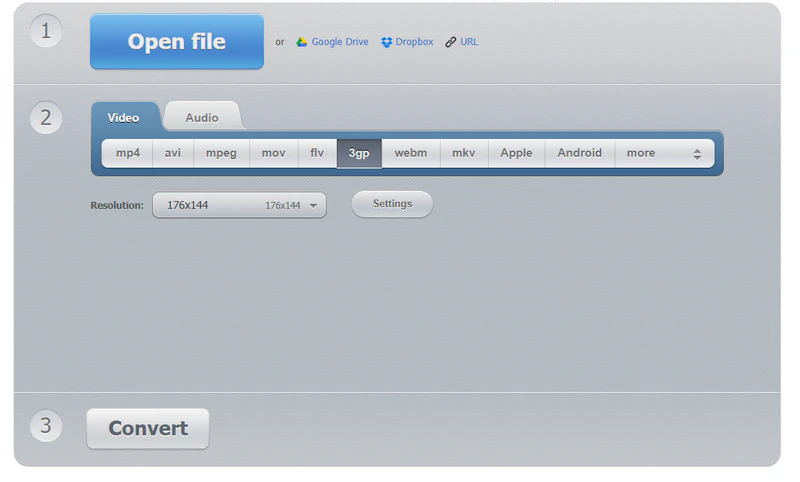
If you want to quickly convert MP4 to 3GP online, here are 5 online MP4 to 3GP converters you can try.
1. FreeConvert
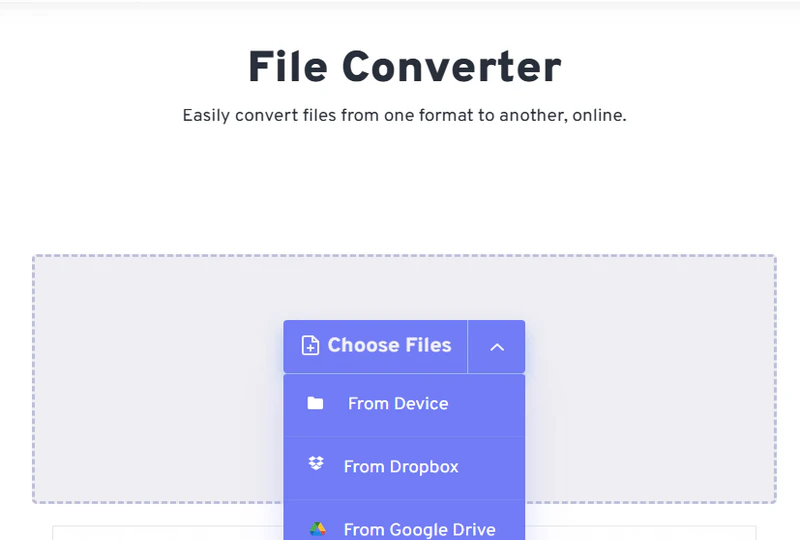
FreeConvert is a completely web-based online file conversion tool. Its core feature is "free". No software downloads or installations are required; simply visit the website through your browser to convert between various formats. It converts MP4 files to 3GP from local devices, Dropbox, Google Drive, OneDrive, and URLs. All conversions are performed on cloud servers, eliminating the need for local computer resources or storage space.
Cons:
❌ Maximum MP4 file size is 1GB.
❌ Multiple conversion tasks need to wait in the queue.
❌ There is a certain risk of privacy leakage.
❌ The conversion process may be unstable during peak periods.
2. Zamzar
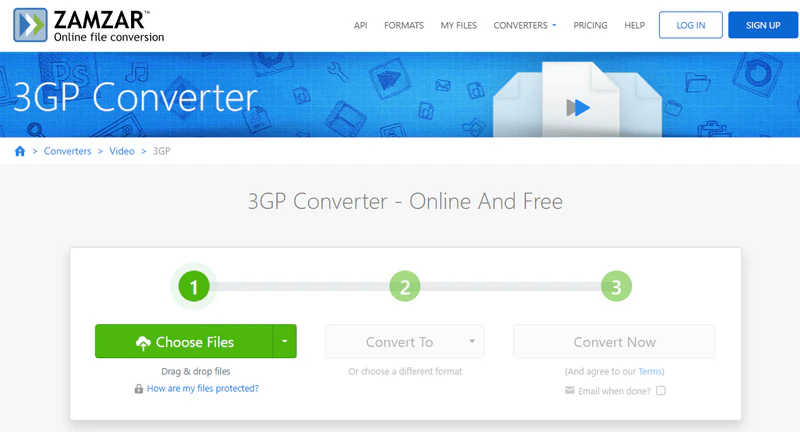
Zamzar is a well-established online converter with nearly 20 years of service. Its most notable feature is its wide support for file formats, including common document formats (PDF, Word, Excel), audio formats (MP3, WAV, AAC), video formats (MP4, AVI, 3GP), and image formats (JPEG, PNG, and TIFF). This MP4 to 3GP converter implements a privacy protection mechanism for all uploaded files, promising to automatically delete them from the server within 24 hours.
Cons:
❌ The free version can only convert 2 files per day.
❌ Conversion speed is affected by network conditions.
❌ Multiple conversion tasks need to wait in the queue.
❌ Video files must not exceed 50MB.
❌ The converted 3GP files will lose quality.
3. Convertio
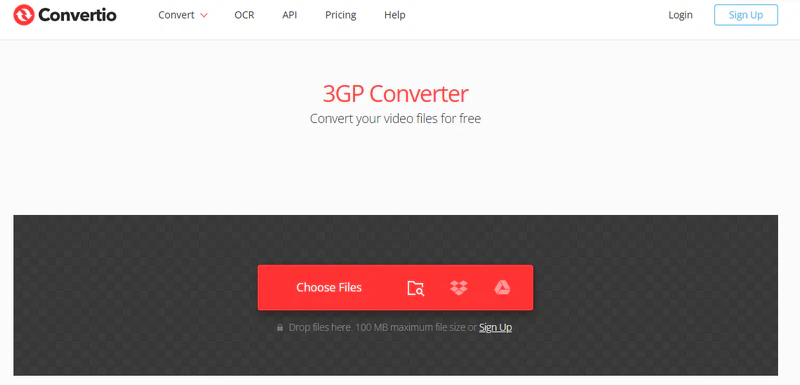
Convertio supports over 25,600 conversions between 300+ formats, including audio, video, images, documents, e-books, fonts, and more. Simply upload your file from your computer or cloud storage services like Google Drive and Dropbox to the Convertio website. Then, adjust the video resolution, frame rate, codec, quality, and other parameters to start converting your MP4 videos to 3GP.
Cons:
❌ Only convert MP4 to 3GP up to 1GB for free.
❌ Only 10 files can be converted at the same time.
❌ There is a limit of 10 conversions per day for free.
❌ Unstable conversion speed.
4. 123APPS
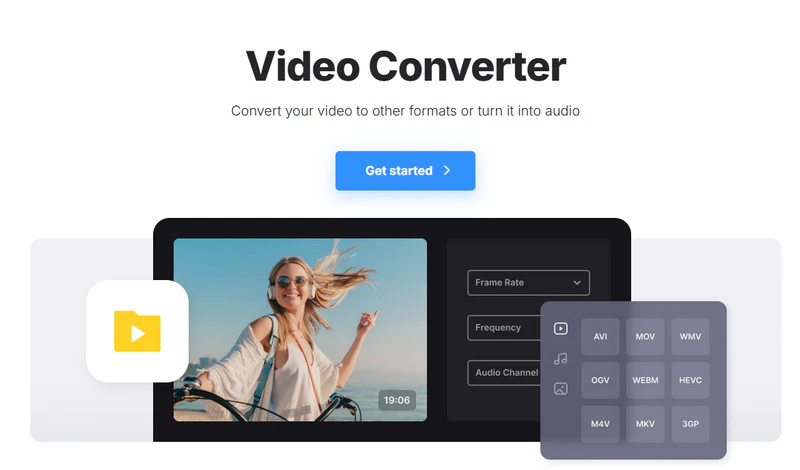
123APPS Video Converter allows you to convert, edit, and compress videos directly from your browser. Unlike other services, this free MP4 to 3GP converter supports uploading video files up to 4GB. Before converting, you can also select the desired video/audio codec and the approximate output file size. In addition to the Video Converter, 123APPS also offers a range of online multimedia tools: Video Editor, Screen Recorder, Audio Converter, and more.
Cons:
❌ Uploading and converting speed depends on your internet connection.
❌ Limited custom settings.
❌ The file needs to be uploaded to a third-party server.
5. Clideo
Clideo runs in the browser and is compatible with various operating systems (Windows, macOS) and devices. It supports conversions between many popular video formats, including MP4, AVI, MOV, MKV, and 3GP. It also offers some simple video editing features, such as cropping, trimming, compressing, and merging, and you can even add text, stickers, and images to your videos. While Clideo offers a free version, it does have some limitations.
Cons:
❌ Upload video files up to 500 MB for free.
❌ Visitors do not have optimal processing speed.
Comparison of Online MP4 to 3GP Converters and Any Video Converter
|
Online MP4 to 3GP Converters |
Any Video Converter |
| Method |
No installation required
|
Win: Free Download
Mac: Free Download |
| Processing Speed |
Relatively slow (limited by network speed) |
Fast (hardware acceleration) |
| File Restrictions |
Convert small files
|
No limit on file size |
| Security |
Lower
|
Reliable (files are processed locally only) |
| Feature |
Basic conversion
|
Rich video toolbox (download, conversion, editing, AI tools) |
| Application |
Conversion of urgent and small files
|
For frequent, large-file conversions requiring high quality and advanced features |
Part 4: MP4 to 3GP Converter Apps for Android
In addition to converting MP4 to 3GP online and on your PC, you can also convert MP4 to 3GP on your mobile phone using the following two MP4 to 3GP converter apps. The biggest advantage of MP4 to 3GP converter apps is that you can complete the conversion anytime and anywhere as long as you have your mobile phone in hand, which is very suitable for immediate and emergency processing needs.
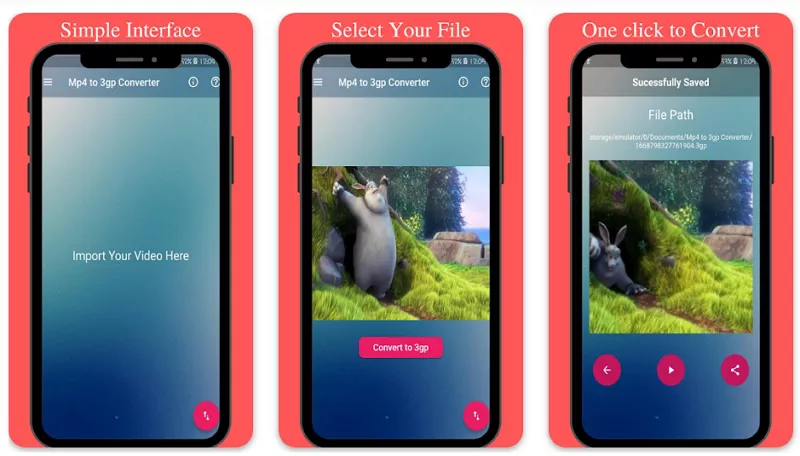
1. Mp4 to 3gp Converter
Mp4 to 3gp Converter is an app designed specifically for converting MP4 video files to 3GP on Android. The app usually has a fast conversion speed that can complete the video conversion in a short time. However, its drawbacks are significant. First, the conversion time will be longer for larger MP4 videos. Second, the conversion process will be affected by the performance of the mobile phone processor. Outdated devices will cause the conversion speed to be slower or even stuck.
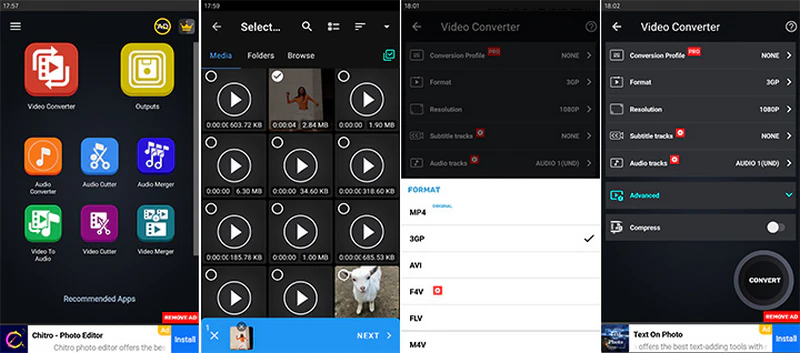
2. Video Converter, Compressor
Video Converter, Compressor is a video conversion and compression tool for Android and iPhone. Its key feature is to convert between various video formats, including MP4 to 3GP. Beyond format conversion, the app also integrates a number of useful video tools: video compression, video merger, audio converter, and more. However, compared to the professional desktop software Any Video Converter, its advanced settings are much more limited.
Comparison of MP4 to 3GP Converter Apps and Any Video Converter
|
MP4 to 3GP Converter Apps |
Any Video Converter |
| Price |
Free, but contains ads |
Free conversion without annoying ads |
| Processing Speed |
Depends on the device |
Batch conversion
Fast conversion speed (GPU acceleration) |
| Output Format |
Mainly supports 3GP and a few other formats |
Supports 1000+ formats (3GP, MP4, MKV, MOV, MP3, etc.) |
| Feature |
Mainly focused on format conversion
|
Rich video toolbox (download, conversion, editing, AI tools) |
Part 5: FAQ About MP4 to 3GP Video Converter
Can I also convert 3GP to MP4 for free without harming my laptop?
Sure. Any Video Converter can convert 3GP to MP4 for free without causing any damage to your laptop. It is a powerful video conversion tool that supports conversion between 3GP and MP4.
Key Features of Any Video Converter
- 1000+ input and output video & audio formats.
- Convert videos for portable media players and devices.
- Extract audio from videos and save as MP3, FLAC, and more.
- Boost conversion speed with GPU acceleration.
- Customize output parameters according to your preferences.
Is MP4 better than 3GP?
Nowadays, the MP4 format is more popular due to its high quality and versatility. If you need high-quality video and have good device storage and network conditions, MP4 is the better choice. However, the 3GP format can still be useful in certain situations (such as older mobile devices or low-bandwidth networks).
Can I convert YouTube videos to 3GP format?
Yes, you can easily convert YouTube videos to 3GP format using Any Video Converter.
Step 1: Launch Any Video Converter.
Step 2: Use "Video Downloader" to download YouTube videos. Please check: How to Download Videos >>
Step 3: Switch to the "Format Convert" tool and upload the downloaded YouTube videos.
Step 4: Select 3GP as the output format in "Output Profile."
Step 5: Click the "Convert Now" button, and the software will automatically start the conversion process.
Can I convert MP4 to 3GP using HandBrake or VLC?
Unfortunately, VLC and HandBrake do not have a direct default 3GP output format.
Conclusion
I believe you now have a clear understanding of how to convert MP4 to 3GP. Whether you need to play videos on older devices or meet specific file size limits, choosing the MP4 to 3GP converter is crucial.
If you're looking for high quality, efficiency, and a wide range of features (downloading, editing, and batch processing), professional desktop software like Any Video Converter is a practical choice. It not only converts quickly but also offers powerful tools like video downloading and AI-powered video editing tools without having to worry about network latency or privacy issues.
If you need to quickly and temporarily process a small file online, you can try online tools, but be aware of file size limits, network dependencies, and potential privacy risks.
If you don't have access to a computer and need to urgently process your video on your phone, various MP4 to 3GP converter apps available in the mobile app stores can provide a quick fix, but they often come with ads, limited functionality, and potential loss of video quality.

Besty Smith | Content Writer
Besty Smith is a talented and insightful content creator with a keen interest and passion for software programs. She focuses on in-depth research and hands-on experience with various types of software, providing readers with in-depth and inspiring content through precise writing. With her keen insight into the software industry, Besty is committed to helping readers keep abreast of the latest industry trends so that they can stay competitive in the digital age.