


MOV videos from iPhone, QuickTime, cameras, or screen recordings may not open smoothly in video editing or media playback app. Convert MOV to MP4 online helps you get a more practical copy for smooth playback, upload, sharing, or editing.
MOV to MP4 Converter Online
Convert MOV to MP4 online for smoother playback, sharing, and editing
- Convert iPhone, QuickTime, and camera MOV files to MP4
- Fine-tune quality, file size, and playback compatibility
- Use desktop conversion for large files and batch tasks
Best for quick MOV to MP4 conversions. For larger videos, batch tasks, or saved export presets, try the desktop converter.
Online MOV to MP4 Converter
Upload a MOV or common video file, choose MP4 settings, and download a more compatible MP4
Uploaded Video
-
Output Video
MP4 Video
Add a MOV video to start MP4 conversion.
Converting
Preparing file...
Preparing MP4 conversion...
Convert MOV to MP4 for Smooth Sharing
Make QuickTime, iPhone, and camera videos easier to open, upload, and edit
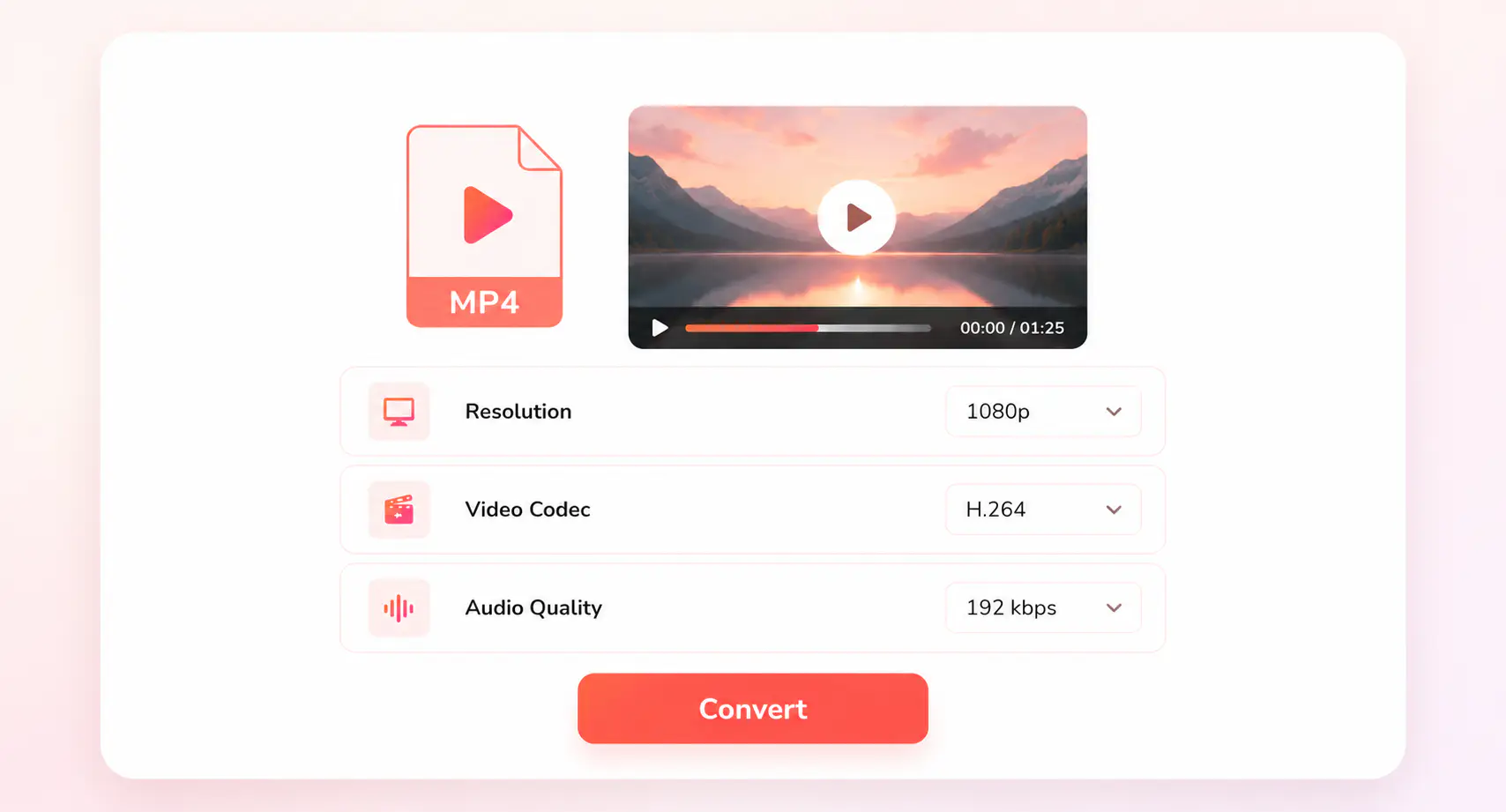
You can choose to keep the original resolution when quality matters, or choose 1080p or 720p to reduce size for easier sharing. Or you can choose H.264 as video codec for broad compatibility across phones, browsers, media players, and social platforms.
For long recordings, camera folders, or repeated MOV to MP4 tasks, you can use the desktop converter to process files locally with batch queues, saved presets, and advanced output controls.
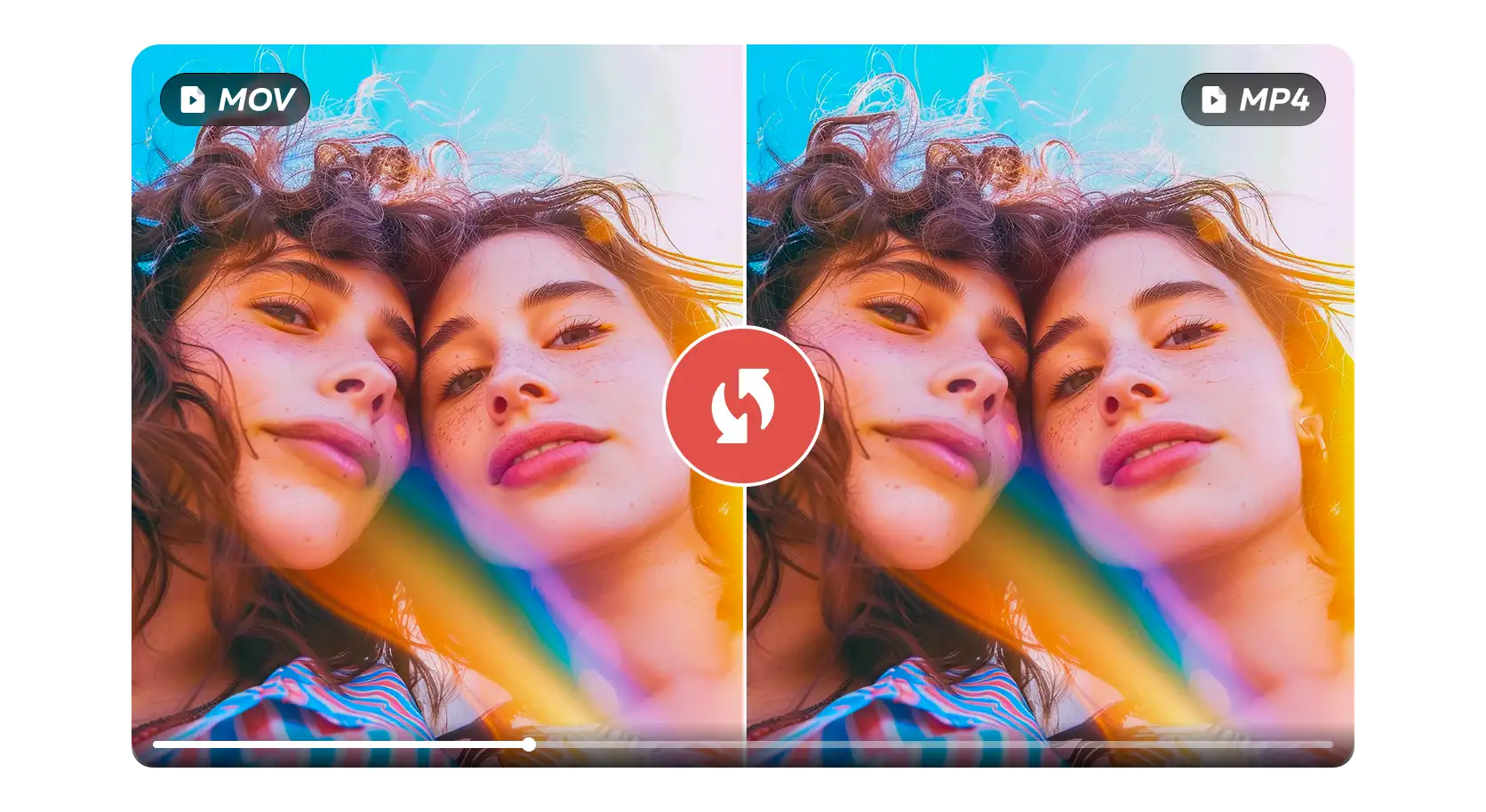
MOV to MP4

MOV Clips to MP4
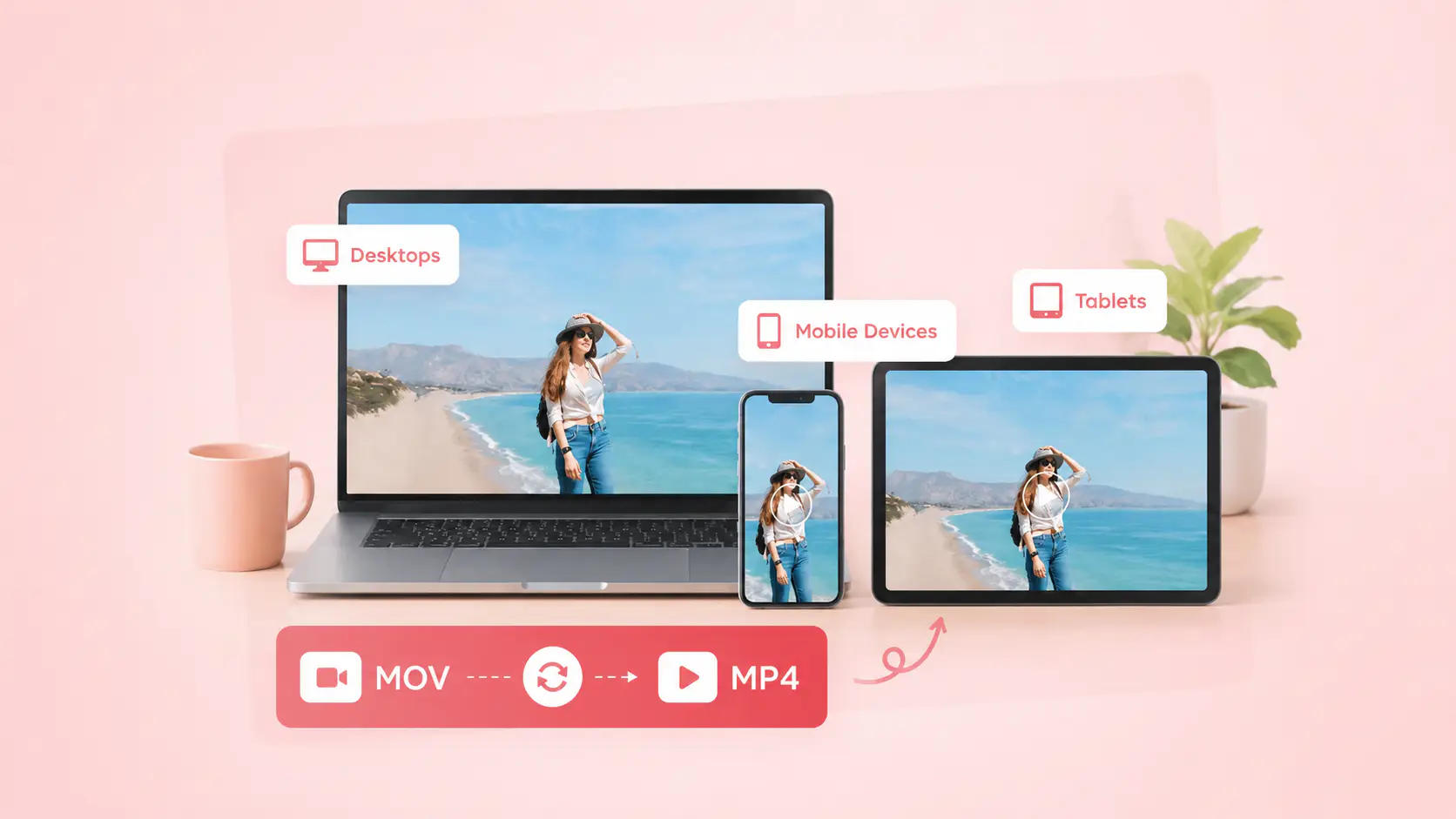
More Devices
How to Convert MOV to MP4 Online
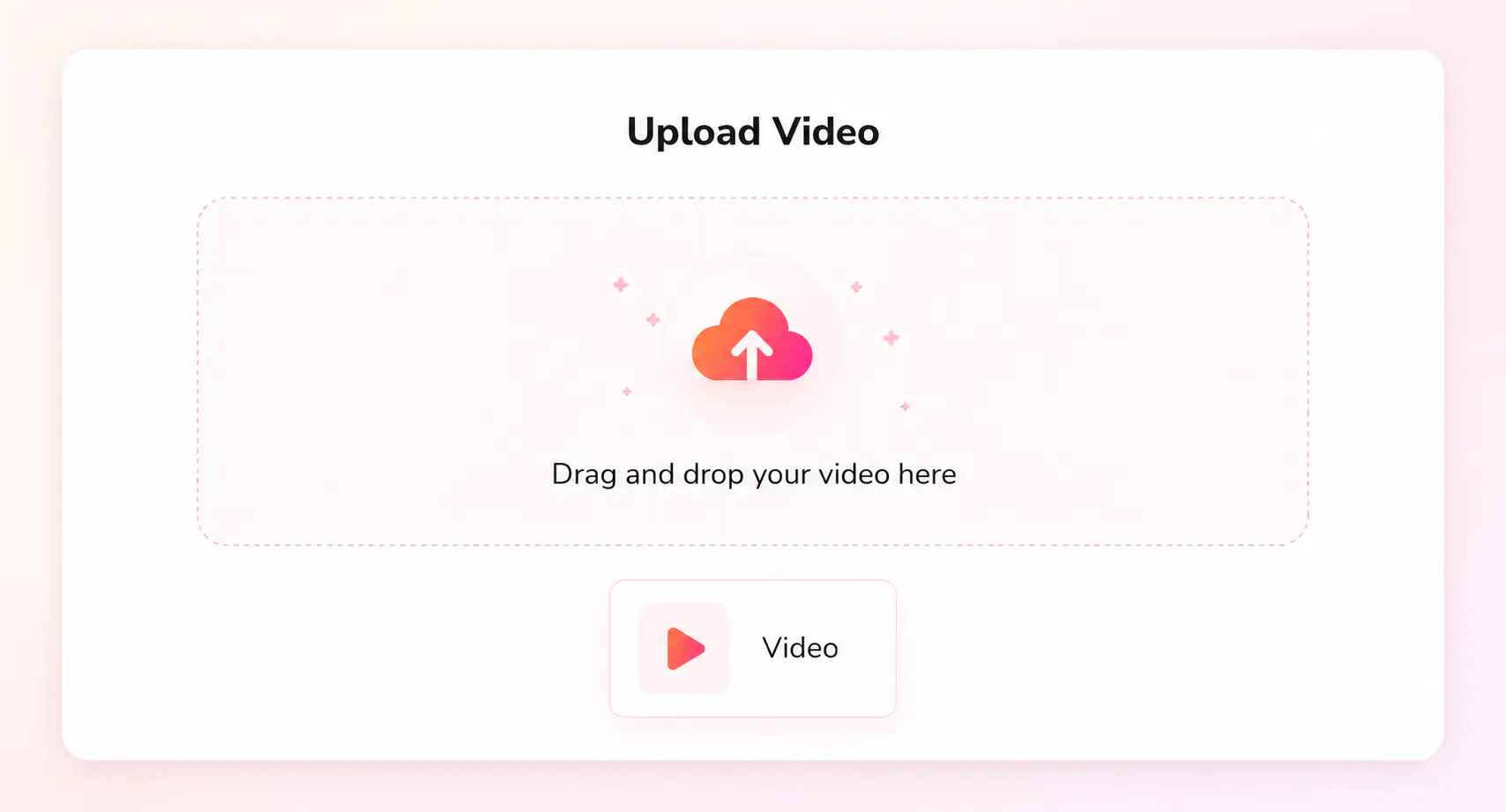
Click “Upload a Video” and upload a MOV file or another common video file.
Select MP4 as the output format, then choose resolution, video codec, and audio quality.
Start conversion and save the converted MP4 file when processing is complete.
Find the Right Video Format Converter
Choose another online video converter for playback, sharing, upload, or editing
Explore More MP4 Conversion SolutionsNeed More Than a Quick Online Conversion?
Use Any Video Converter on Windows or Mac to handle large MOV files, batch jobs, and local MOV to MP4 conversion with more control
FAQs about MOV to MP4 Converter
Direct answers about converting MOV to MP4
What is the easiest way to convert MOV to MP4?
The easiest way is to use an online MOV to MP4 converter for quick files. Upload your MOV video, choose MP4 as the output format, start the conversion, and download a more compatible MP4 file.
Can I convert MOV to MP4 online for free?
Yes. You can convert MOV to MP4 online for free when you only need a quick browser-based conversion. For larger videos or multiple files, the desktop converter is a better choice.
Why should I convert MOV to MP4?
MOV videos from iPhone, QuickTime, cameras, or screen recordings may not open smoothly on every device or app. MP4 is easier to play, upload, share, and edit across phones, browsers, social platforms, and video editors.
Will converting MOV to MP4 reduce video quality?
Converting MOV to MP4 does not have to noticeably reduce quality if you keep the original resolution and use a compatible codec such as H.264. Quality may change if you lower the resolution, use stronger compression, or reduce the audio bitrate.
When should I use a desktop MOV to MP4 converter?
For long MOV videos, camera folders, or batch conversions, the desktop video converter gives you a smoother way to create MP4 files on Windows or Mac without relying on browser upload.